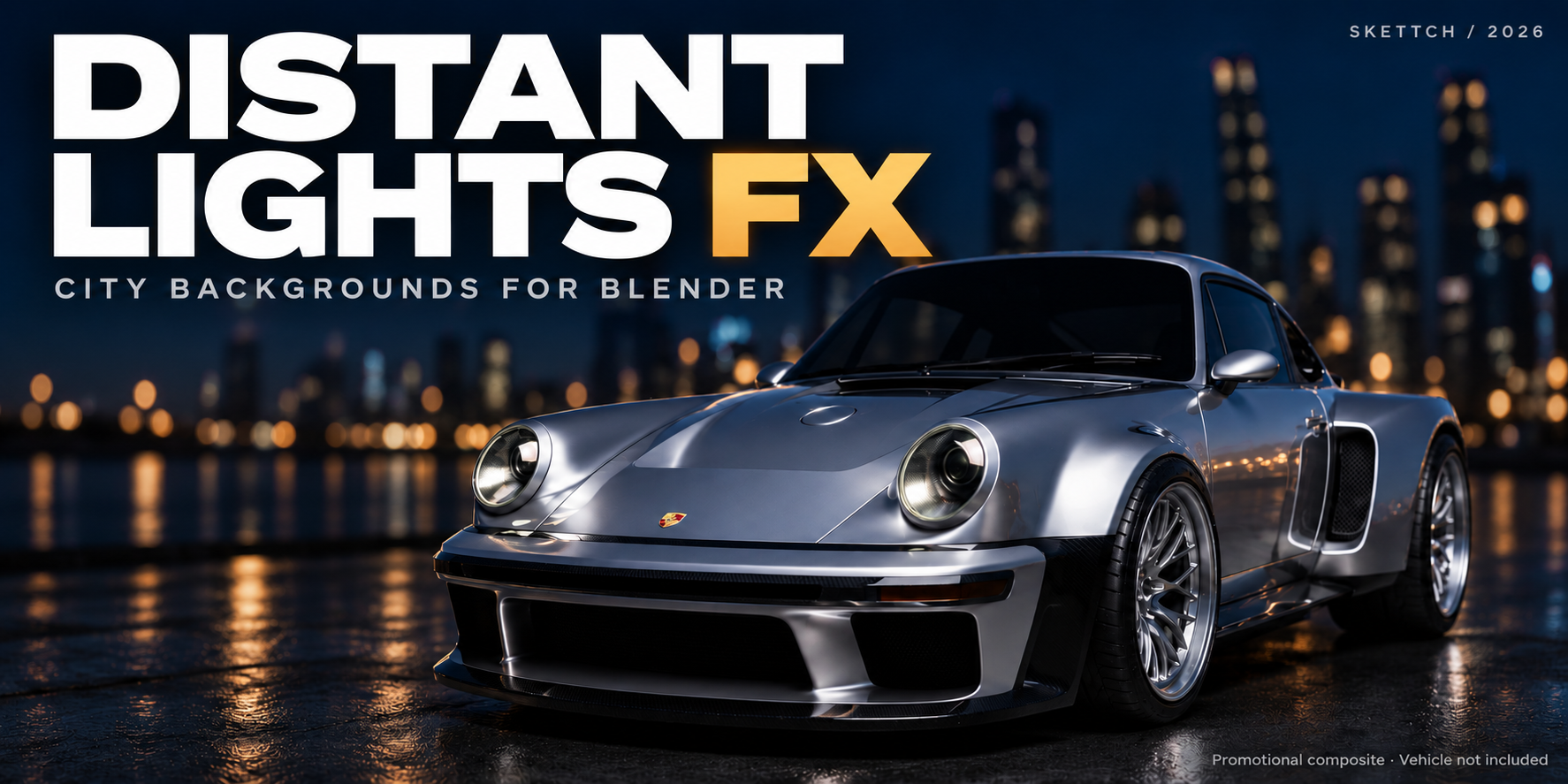
Your foreground. A world behind it.
The city beyond your shot.
Procedural skylines, illuminated windows and moving city elements for the horizon of your automotive and cinematic scenes.
Explore the citiesSee Draft → DetailProcedural skylines, illuminated windows and moving city elements for the horizon of your automotive and cinematic scenes.
Explore the citiesSee Draft → DetailSwitch Place and the generator changes massing, lamp colour, density and the structures it is allowed to build. Add a Flavour for a different roofline, colour bias and exclusive landmarks. Select a character below or enlarge a place preview.

A flexible city backdrop, from residential blocks to a denser tower silhouette.
Three flavour previews shown here. Place, density and terrain settings also influence the result.
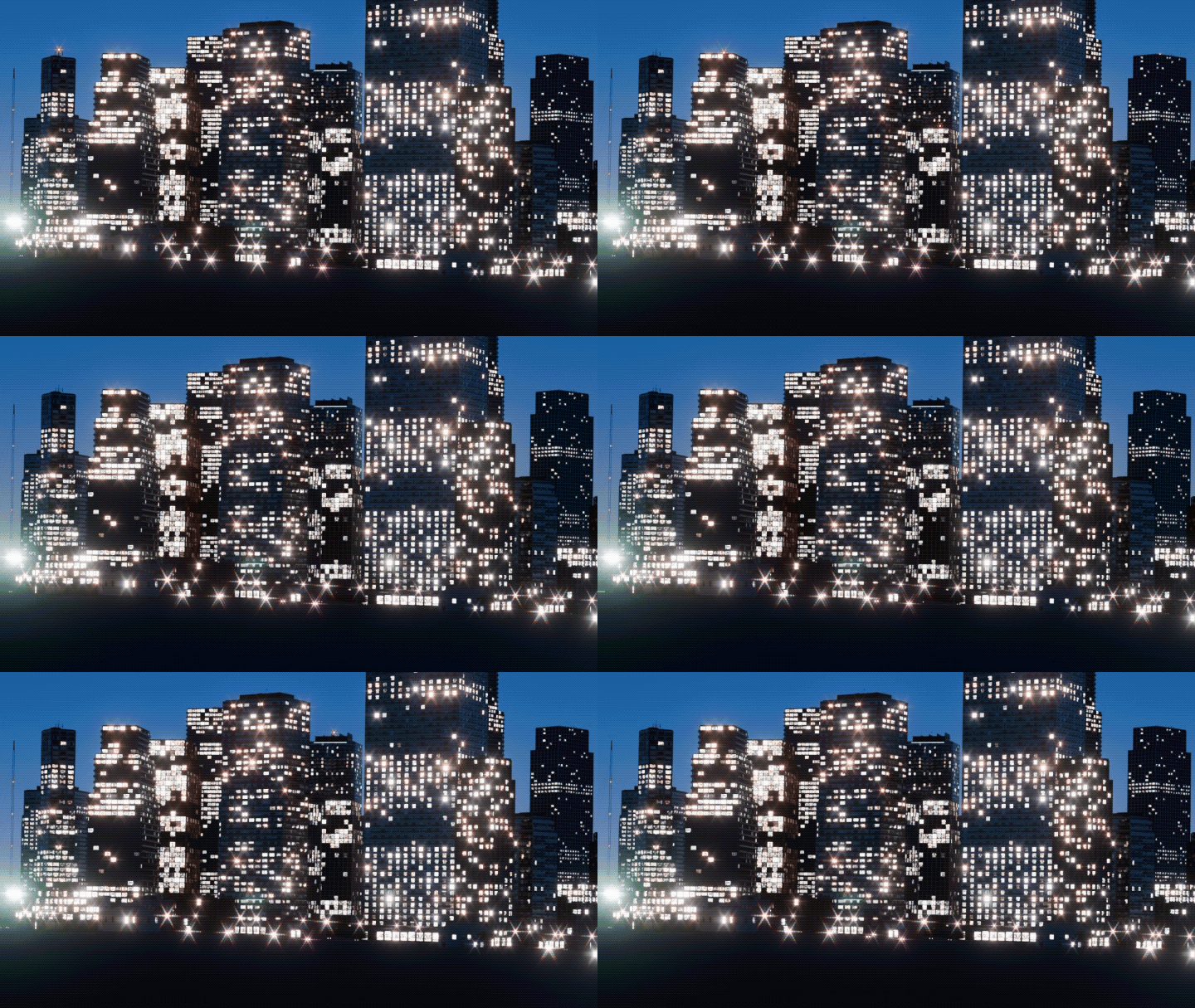
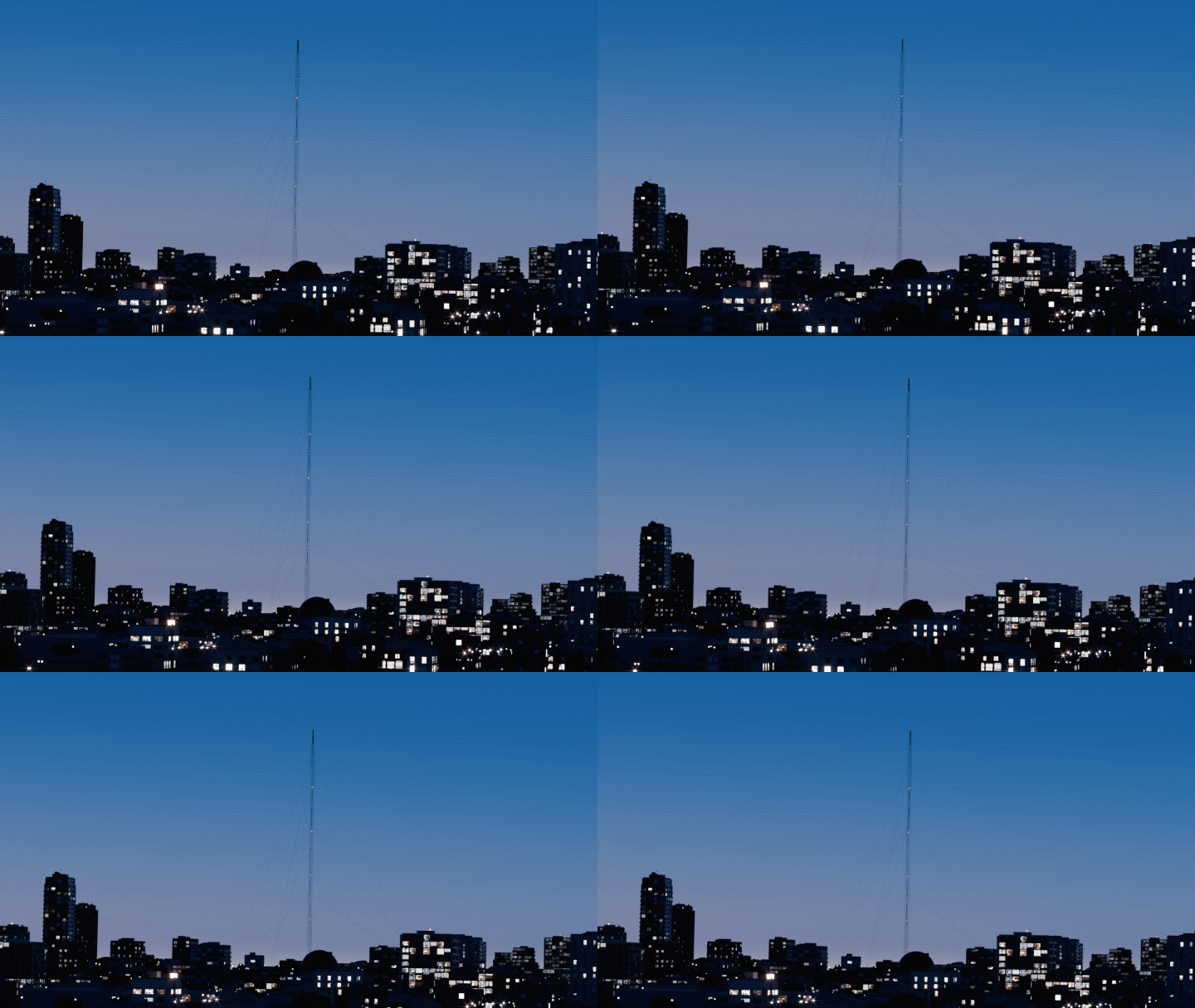


Mood presets drive the procedural sky, haze, glow and how many windows are still lit. Drag the handle — compare the daylight and night examples.


Click a thumbnail to set the left side of the comparison.

Use Auto Update to refresh the city as you adjust its settings. Tune the sky, haze and glow to match the lighting of your foreground.
Keep your own HDRI if you prefer — the built-in sky is a checkbox.
Build Draft lays out the whole city as solid volumes so you can frame the shot. Detail City / Build Full City completes facades, windows, lamps, movers and materials. Lock City then freezes the result so nothing regenerates behind your back.


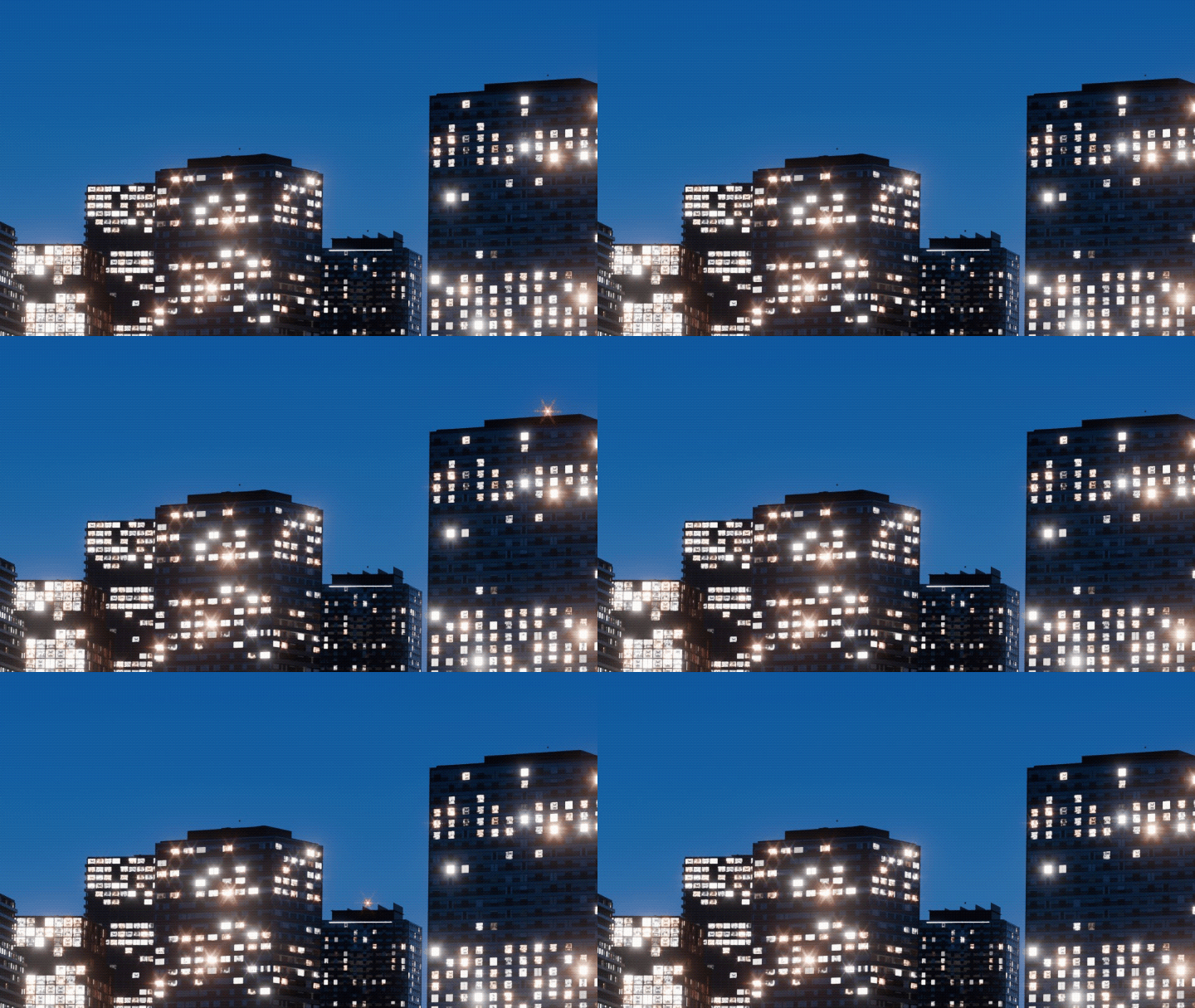
Window rectangles are real geometry with an interior atlas — depth, curtains, room colour and brightness variation. Offices light whole floors; homes scatter warm windows. Tune colour and brightness to keep the city from looking uniform.
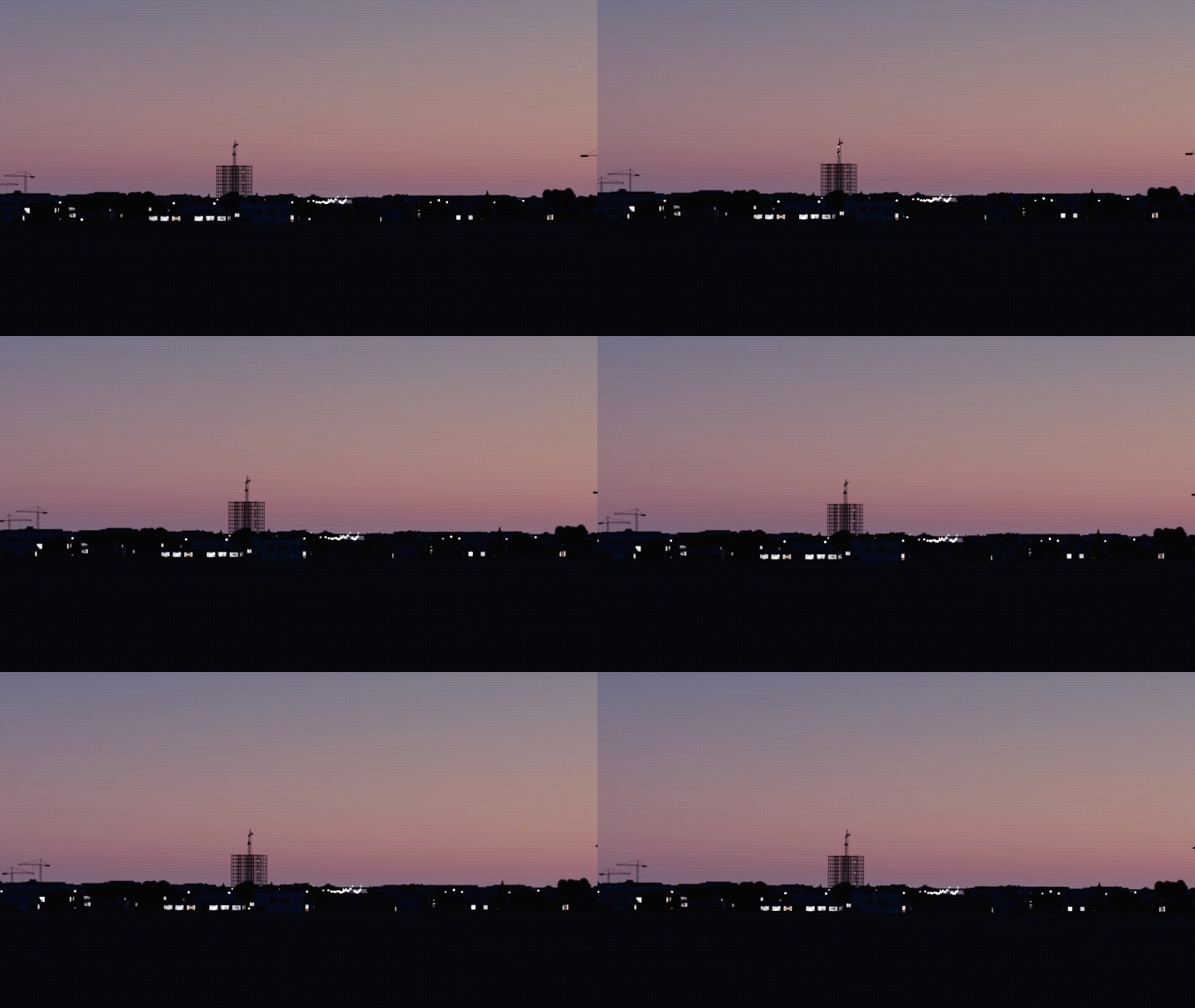
Ferris wheel, clock tower, stadium, cranes, water tanks, factories, parking decks, pylons, broadcast masts. A site planner scores district, water, high ground and camera distance before placing each one.

Water crossings become suspension bridges; roads get ramps and elevated sections; train sets run on their own routes with lit windows — with animated movement.

Generate a terrain mesh or sample your own ground object. Assign a water object and the city forms a shoreline with piers, moored ferries and boats; reflections come free from Cycles.

Head/tail-lit road cars, train sets, helicopters and aircraft passes with FAA-style nav lights, strobes and beacons. Twinkle and TV flicker without a single driver.
Vegetation breaks up building silhouettes and adds another layer between the camera and the distant city lights.
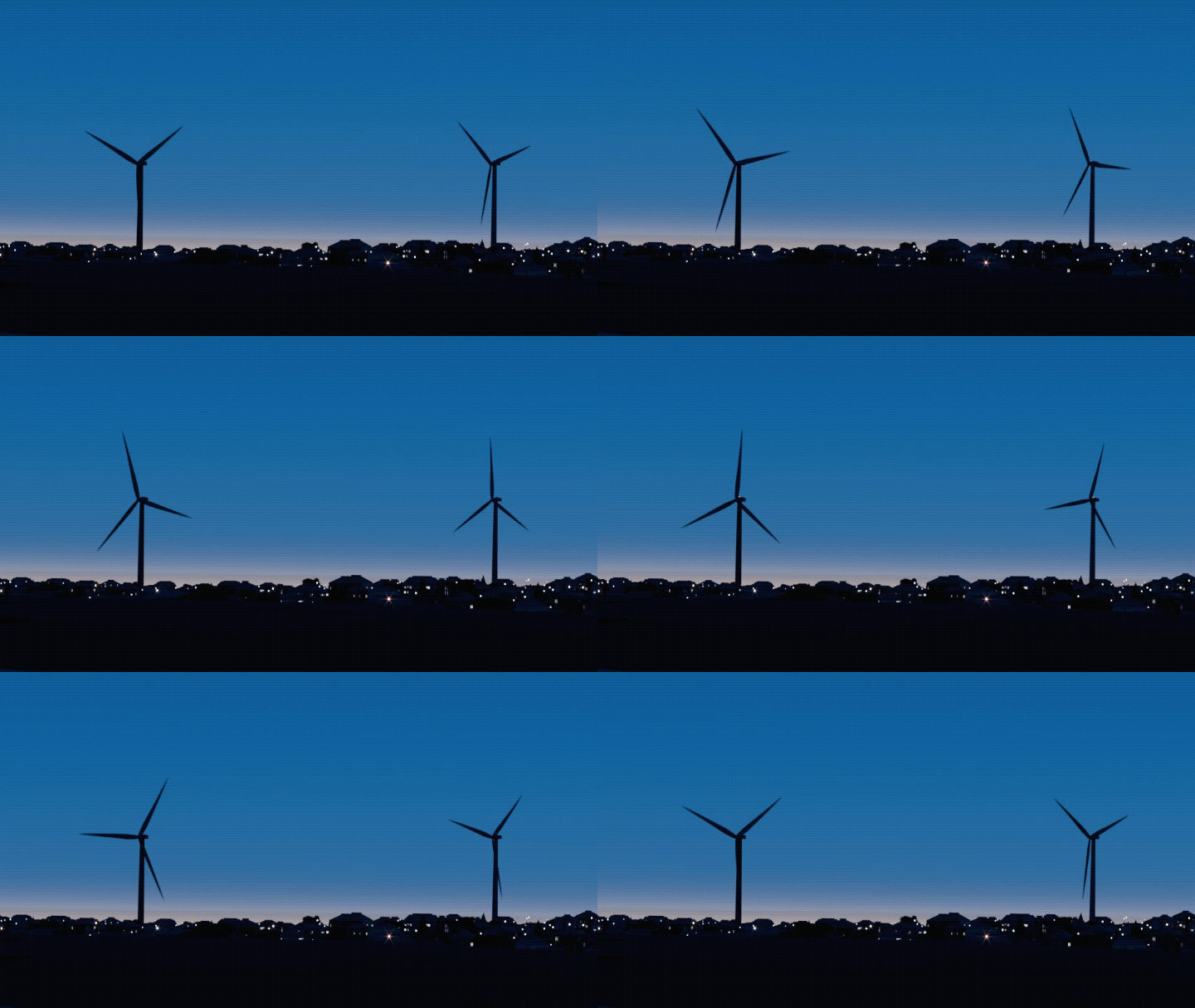
Add wind turbines with rotating blades and obstruction lights. Adjust their amount to suit your scene.
Every skyline below is DistantLightsFX. The car, road and foreground are the user's scene — the add-on only fills the horizon. Click to enlarge.


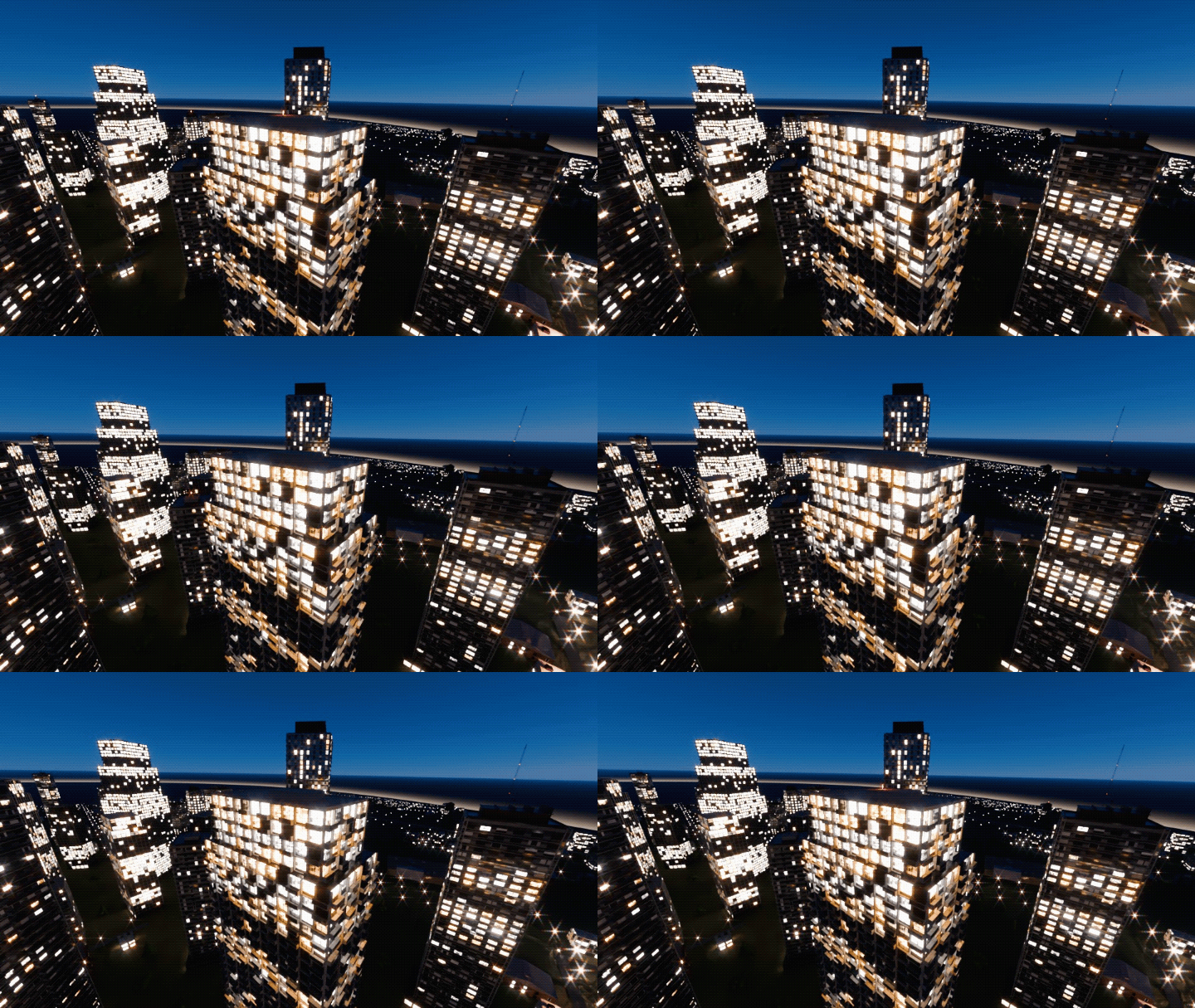
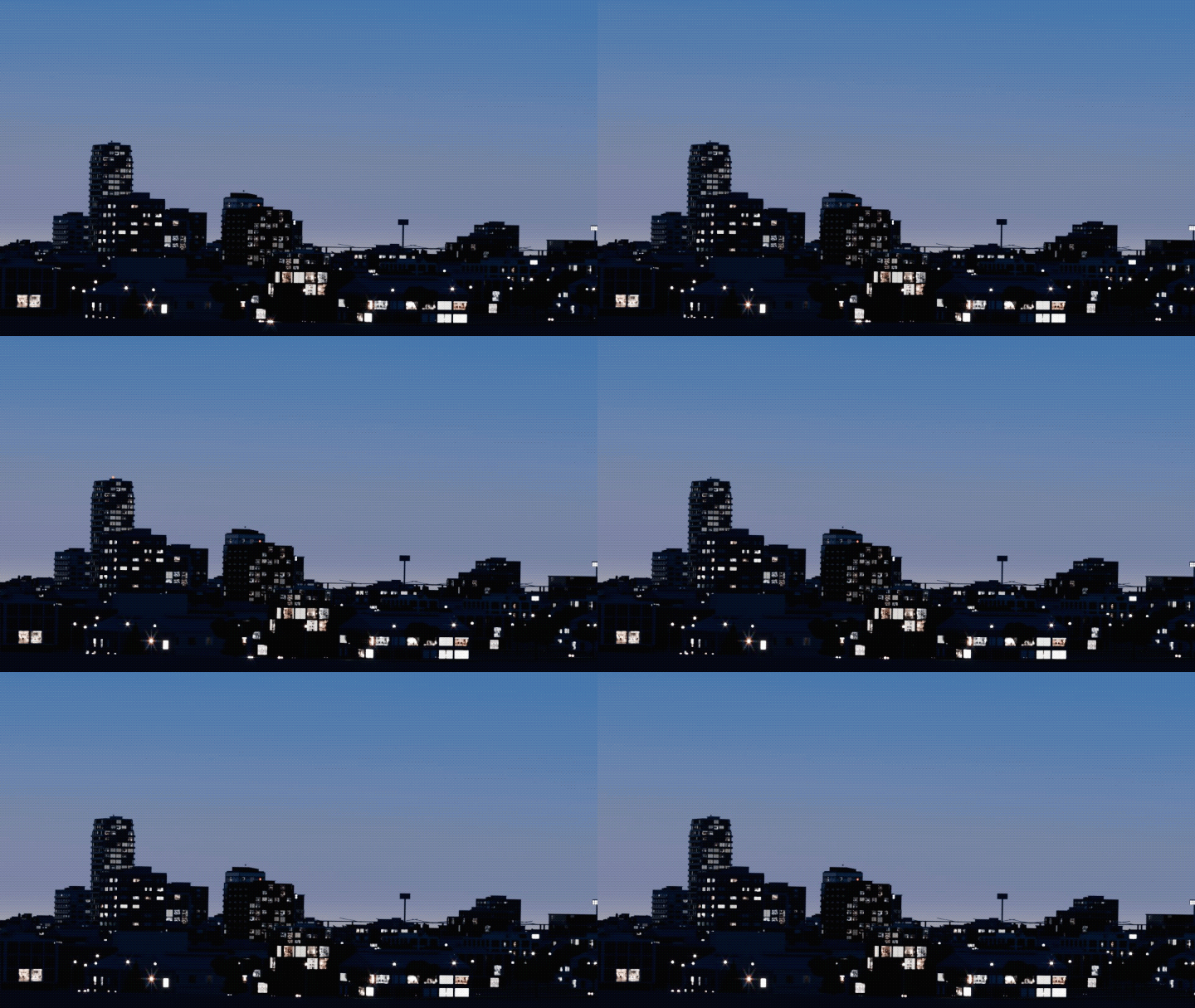

Everything lives in one N-panel tab. The top block is all most shots need; every section below it has its own presets and every setting explains what it corresponds to in the real world.

The five preset axes, seed, Build Draft / Build Full City, Lock City, Viewport Proxy and the build report.
The city is generated only where cameras look.
Generated terrain or your own ground object.
How blocks, streets and districts are laid out.
Where most of the realism lives.
Per-type amounts; available land limits the count.
Everything that moves, keyframed from frame 0.
Depth cues and the look of every dot.
Adjust the main preset controls to suit your shot. Mix a Village place with a Metropolis extent if that's the shot.
Metropolis, City, Suburb, Industrial, Village — massing, lamp colour and structures.
Traffic density, lit-window ratio, moving lights and activity.
Where the city begins relative to the camera — from a few hundred metres to the far horizon.
How far the city extends — Small to a 3.6 km-plus Large metro.
Day, Dusk, Night, Hazy Night, Late night — sky and lighting atmosphere. Window occupancy is controlled separately.
| Blender | Designed for Blender 5.2.1 |
| Render engine | Cycles for the showcased renders. Check the product listing for supported configurations. |
| Installation | Single ZIP via Preferences → Add-ons |
| Dependencies | None. Pure Python. |
| Render farms | Validate the generated scene with your chosen farm before production |
| Panel location | 3D Viewport → N-panel → DistantLightsFX |
| Typical build | Varies by hardware, coverage and detail; large builds can exceed one minute |
| Version | 8.42.1 |
It is designed as a distant backdrop: silhouettes, lights and enough facade geometry to look right from a few hundred metres to the horizon. Not for street-level shots.
No. Everything is baked to plain meshes with attributes and keyframes. Check the completed scene with your render-farm workflow before submitting a production job.
Yes. "Use Built-in Sky" is optional; Mood presets only touch the sky if you let them.
Extend to Cameras adds coverage for the new view. Existing content stays exactly where it was — the layout is seeded from world position, not from the camera.
Scene size varies with the settings. Use Draft and Viewport Proxy while composing, and check the build report for your scene’s counts and timings.
